Laravel 05. Database Design & Migrations
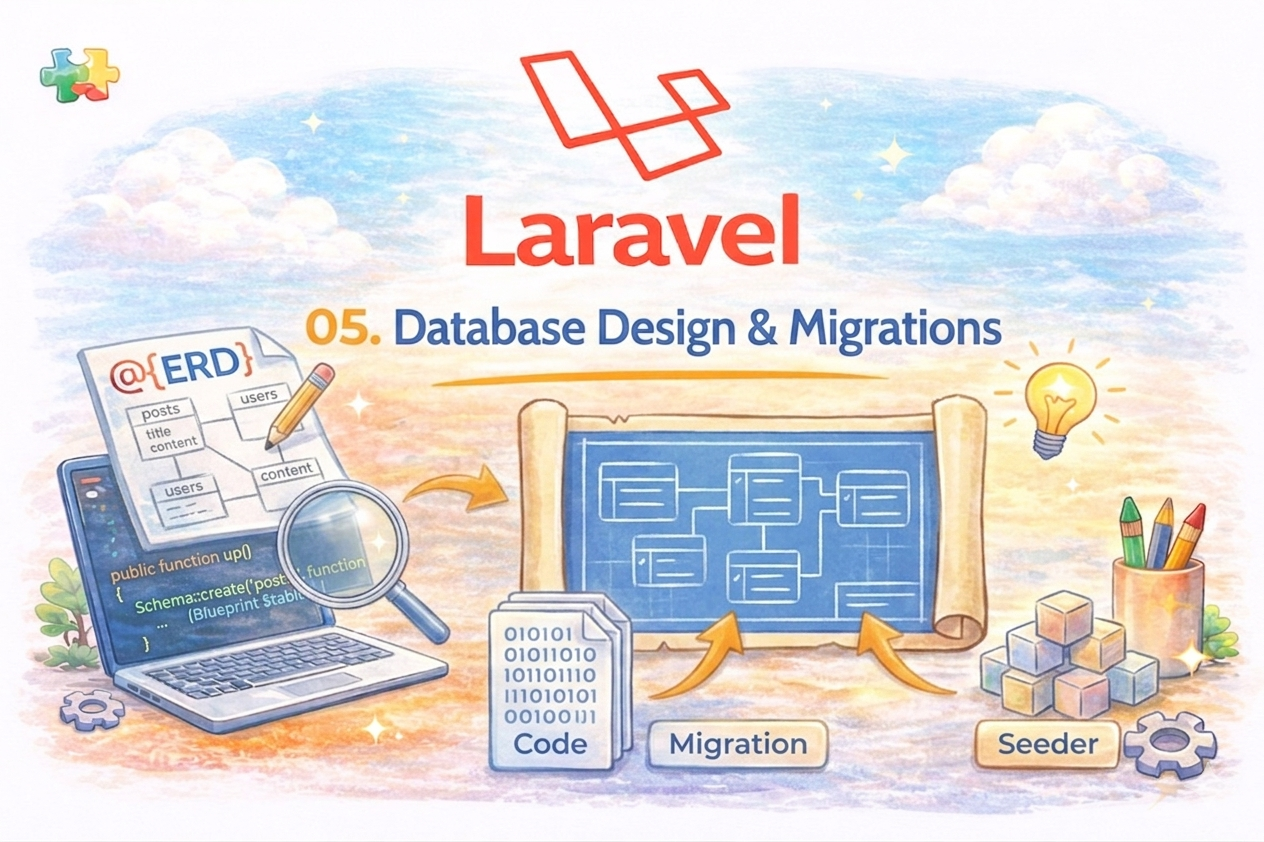
데이터베이스 설계
“데이터를 어떤 형태로 저장할지 미리 정의하는 것”
posts 테이블
| id | bigint | 기본키 |
| title | string | 제목 |
| content | text | 내용 |
| created_at | timestamp | 생성일 |
| updated_at | timestamp | 수정일 |
Migration (테이블 생성)
라라벨은 Sql 문으로 테이블을 생성하는 것이 아니라 코드로 생성합니다.
php artisan make:migration create_posts_table
<?php

use Illuminate\Database\Migrations\Migration;
use Illuminate\Database\Schema\Blueprint;
use Illuminate\Support\Facades\Schema;

return new class extends Migration
{
    /**
     * Run the migrations.
     */
    public function up(): void
    {
        Schema::create('posts', function (Blueprint $table) {
            $table->id();
            $table->timestamps();
        });
    }

    /**
     * Reverse the migrations.
     */
    public function down(): void
    {
        Schema::dropIfExists('posts');
    }
};
** 모델과 생김새가 같은데 Model 을 Extend 하는 Post Model 이 별도로 생성되지 않습니다.
public function up()
{
    Schema::create('posts', function (Blueprint $table) {
        $table->id();
        $table->string('title');
        $table->text('content');
        $table->timestamps();
    });
}
DataType
$table->id();  // 열 이름을 지정하지 않는다.

$table->bigIncrements('id');

$table->id();  // 열 이름을 지정하지 않는다.

$table->integer('votes');
$table->bigInteger('votes');
$table->binary('photo');  // File to DB

$table->boolean('confirmed');
$table->char('name', length: 100);
$table->dateTimeTz('created_at', precision: 0);
$table->dateTime('created_at', precision: 0);
$table->decimal('amount', total: 8, places: 2);
$table->double('amount');
$table->enum('difficulty', ['easy', 'hard']);
$table->float('amount');
$table->float('amount', precision: 53);
$table->text('description');


$table->json('options');

##
$table->foreignId('user_id');
$table->foreignIdFor(User::class);

##
$table->timestamps();
$table->string('name',50);
$table->string('image')->nullable();
$table->boolean('is_active')->default(true);
$table->string('subject')->after("title");


Schema::table('users', function (Blueprint $table) {
    $table->renameColumn('from', 'to');
});
Schema::table('users', function (Blueprint $table) {
    $table->dropColumn('votes');
});
Schema::table('users', function (Blueprint $table) {
    $table->dropColumn(['votes', 'avatar', 'location']);
});

$table->index(['account_id', 'created_at']);
$table->unique('email', 'unique_email');

$table->softDeletes('deleted_at', precision: 0);
작성한 migration 을 실행 -> 실제 테이블을 생성
php artisan migrate
RollBack - 다시 되돌리기
php artisan migrate:rollback
** 주의 rollback 을 두번 이상 진행하다가 migrate하면 동시에 이후 migrate 가 진행되고 순번이 같아지므로
다음 rollback 에서 동시에 rollback 하니 주의해주세요.
# 전체 롤백
php artisan migrate:reset


# 롤백후 재실행
php artisan migrate:refresh
$posts = DB::select('select * from posts where id = ?', [1])

DB::insert('insert into post (id, title, contents) values (?, ?, ?)', [1, 'My Post', 'My Contents' ]);

$affected = DB::update('update posts set title = 'User Post' where id = ?',  [1] );

$deleted = DB::delete('delete from posts');

DB::statement('drop table users');
반드시 아래 페이지 Databas > Getting Started 를 한번 봐주세요.
데이터 타입을 따로 살펴보지 않겠습니다.
https://laravel.com/docs/13.x/database
이미 존재여부
if (Schema::hasTable('users')) {
    // The "users" table exists...
}

if (Schema::hasColumn('users', 'email')) {
    // The "users" table exists and has an "email" column...
}

if (Schema::hasIndex('users', ['email'], 'unique')) {
    // The "users" table exists and has a unique index on the "email" column...
}
Schema::create('users', function (Blueprint $table) {
    $table->engine('InnoDB');

    // ...
});


Schema::create('users', function (Blueprint $table) {
    $table->charset('utf8mb4');
    $table->collation('utf8mb4_unicode_ci');

    // ...
});
## update
use Illuminate\Database\Schema\Blueprint;
use Illuminate\Support\Facades\Schema;

Schema::table('users', function (Blueprint $table) {
    $table->integer('votes');
});


## rename, drop
use Illuminate\Support\Facades\Schema;

Schema::rename($from, $to);

Schema::drop('users');
Schema::dropIfExists('users');
Seeding
“테이블에 테스트 데이터를 자동으로 넣는다”
특정데이터는 이미 저장되어 있어야 하는 데이터가 존재한다.
예)
- 미용실에서 서비스 상품들
- 쇼핑몰에서 제품데이터
- 사이트를 이전할때 이전의 데이터
- 관리자의 아이디,패스워드
php artisan make:seeder PostSeeder
생성된 시더파일 확인 후 수정
databases/seeders/PostSeeder.php
use Illuminate\Support\Facades\DB;

public function run()
{
    DB::table('posts')->insert([
        'title' => '첫 글',
        'content' => '내용입니다',
    ]);
}
실행
php artisan db:seed --class=PostSeeder
마이그래이션과 함께 시더 실행
php artisan migrate:fresh --seed
* 시더를 만들어 놓으면 다른서버에서 동일하게 데이터를 준비할때 유용합니다.
예제 )
** 초기설정을 위해 지역데이터를 시더로 저장하기
1. make model
php artisan make:model Area -m
-m : 마이그래이션 파일을 추가해준다.
마이그래이션 수정
        Schema::create('areas', function (Blueprint $table) {
            $table->id();
            $table->string('area1', 50);
            $table->string('area2', 50);
            $table->string('area3', 50);
            $table->timestamps();
        });
마이그래이션 실행
php artisan migrate
시더 생성
php artisan make:seeder AreaSeeder
TSV 형태를 시더로 DB에 넣어봅니다.
pakistan_area.tsv
state	city	district
Punjab	Lahore	Gulberg
Punjab	Lahore	Model Town
Punjab	Lahore	Johar Town
Punjab	Faisalabad	Jaranwala
Punjab	Faisalabad	Samundri
Punjab	Rawalpindi	Taxila
Punjab	Rawalpindi	Murree
Punjab	Multan	Shujabad
Punjab	Multan	Jalalpur Pirwala
Sindh	Karachi	Gulshan-e-Iqbal
Sindh	Karachi	Clifton
Sindh	Karachi	Saddar
Sindh	Hyderabad	Latifabad
Sindh	Hyderabad	Qasimabad
Sindh	Sukkur	Rohri
Sindh	Sukkur	Pano Aqil
Sindh	Larkana	Ratodero
Sindh	Larkana	Dokri
AreaSeeder.php
<?php

namespace Database\Seeders;

use Illuminate\Database\Console\Seeds\WithoutModelEvents;
use Illuminate\Database\Seeder;

class AreaSeeder extends Seeder
{
    /**
     * Run the database seeds.
     */
    public function run(): void
    {
        //

        $csvFile = fopen('database/seeders/seederData/pakistan_area.tsv', "r");
        $isFirstRow = true; // Flag to skip the first row

        while (($data = fgetcsv($csvFile, 1000, "\t")) !== FALSE) {
            if ($isFirstRow) {
                $isFirstRow = false; // Skip the first row
                continue;
            }

            \App\Models\Area::create([
                'area1' => $data[0],
                'area2' => $data[1],
                'area3' => $data[2],
            ]);
        }


    }
}
시더 실행
php artisan db:seed --class=AreaSeeder
**
과제1. 국가에서 제공하는 주소데이터를 시더로 만들어 저장할것.
과제2. 트럭의 적재용량을 시더로 만들어 저장할 것.
**
다음 시간에 모델과 사용법을 공부하도록 하겠습니다.